Installation
ChaCC API can be installed from PyPI, from source, or through Docker. SQLite database file name and path can be customized with SQLITE_DATABASE_NAME and SQLITE_DATABASE_PATH. By default the database file chaccapi.db is created in the current working directory.
Prerequisites
- Python 3.10 or newer
pip- Optional: PostgreSQL 15+ for production deployments
- Optional: Redis when
REDIS_ENABLED=true
Install from PyPI
Create project directory
Create virtual environment Activate virtual environmentWindows:
Linux/Mac:Start ChaCC Installation:
Start the server:
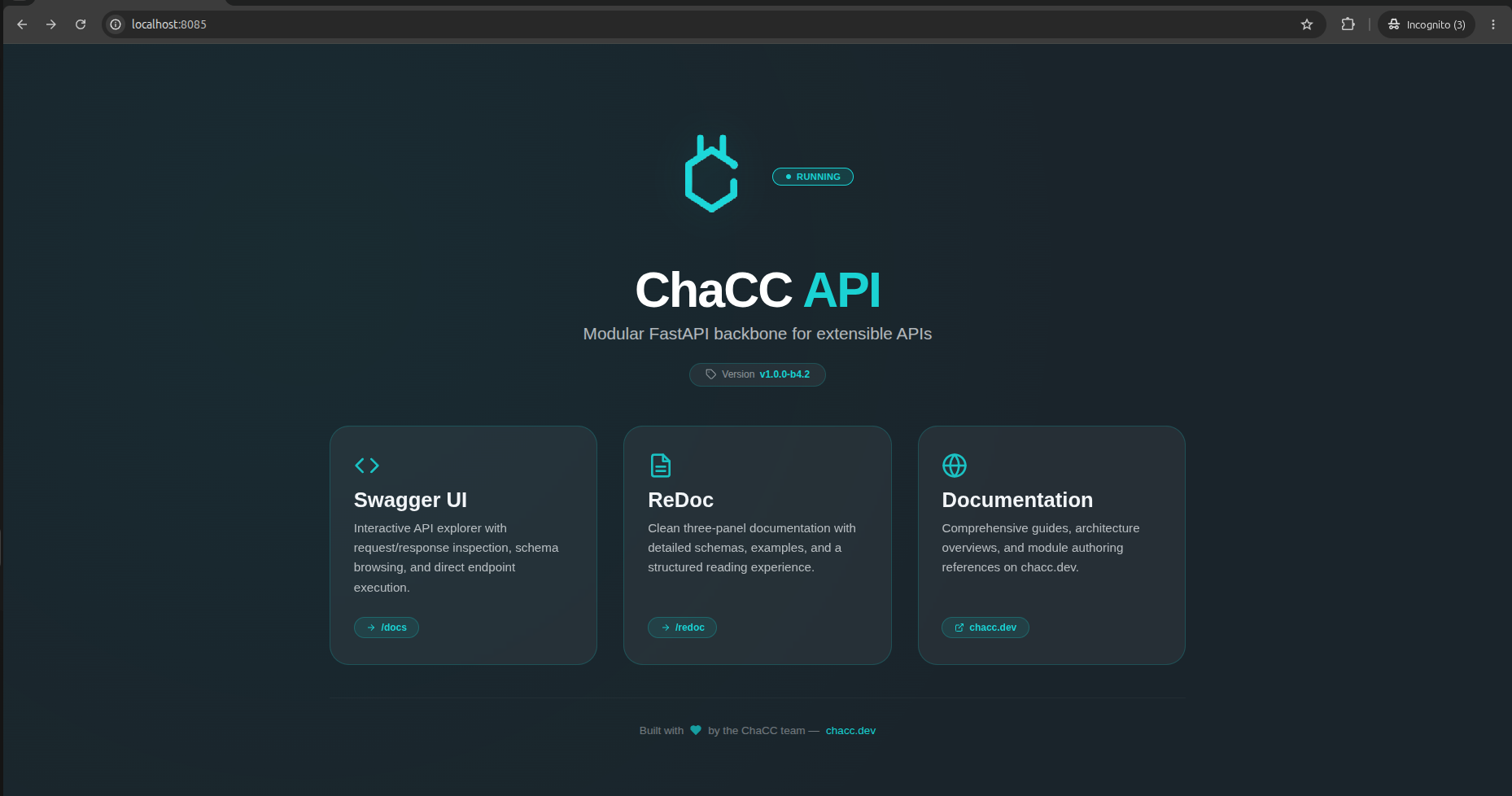
Open the browser and visit:
Install from source
This installation method is useful if you want to test the actual package and possibly updating the package itself for contribution.
git clone https://github.com/tnet-tech/chacc-api
cd chacc-api
python -m venv .venv
source .venv/bin/activate
pip install -e .
Run the development server:
Docker
Pull and run the image:
Use Docker Compose for a PostgreSQL-backed service:
The compose file includes a ChaCC API service, a PostgreSQL service, health checks, and persistent volumes for PostgreSQL and module storage.
Development checklist
# Scaffold your module
chacc create my_module
# Run development server to see it in action
chacc run server --dev
# Build your module and distribute as you wish
chacc build plugins/my_module
Recommended development settings:
CHACC_DEV_MODE=true
ENABLE_PLUGIN_HOT_RELOAD=true
PLUGIN_AUTO_DISCOVERY=true
ENABLE_PLUGIN_DEPENDENCY_RESOLUTION=true
Production checklist
CHACC_DEV_MODE=false
ENABLE_PLUGIN_HOT_RELOAD=false
PLUGIN_AUTO_DISCOVERY=false
ENABLE_PLUGIN_DEPENDENCY_RESOLUTION=false
DATABASE_ENGINE=postgresql
SECRET_KEY=<random 32+ character secret>
Production startup validates these settings and refuses to start if required configuration is missing or insecure.